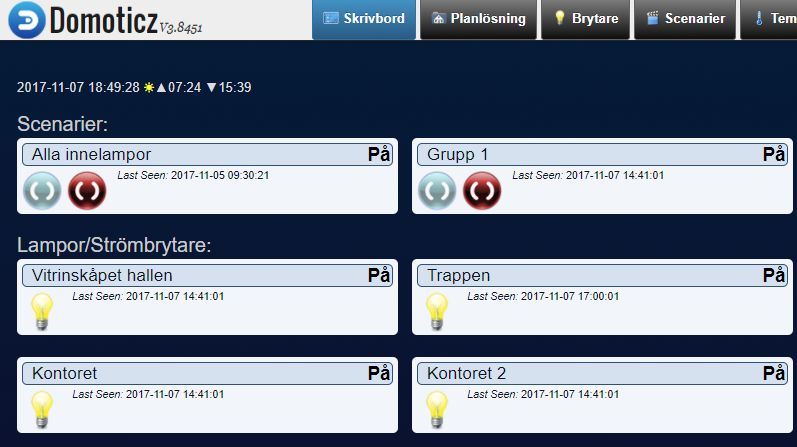
I november 2017 har jag bytt ut Tellstick Duo och NexaHome följande:
Även om Tellstick och NexaHome har fungerat mycket bra under alla år ger de nya produkterna betydligt fler möjligheter i framtiden och enklare administration.
I november 2017 har jag bytt ut Tellstick Duo och NexaHome följande:
Även om Tellstick och NexaHome har fungerat mycket bra under alla år ger de nya produkterna betydligt fler möjligheter i framtiden och enklare administration.
sdfsdf
In my current assignment / project we are running regression tests of text, csv and excelfiles. The system is based on .NET / C# and daily builds. Every night the checked in developed code is built and the system is built up from scratch. A number of output files should be the same as the day before i.e. regression test.
For C# there are a lot of ready solutions for comparing (diffs) excel files but we had no such at hands. We needed to built this on our own.
First I needed to convert excel files to csv files in order to make an easy compare/diff. For this I’m using a Visual Basic script that has been published on many sites.
XlsToCsv.vbs

if WScript.Arguments.Count < 2 Then
WScript.Echo "Please specify the source and the destination files. Usage: ExcelToCsv <xls/xlsx source file> <csv destination file>"
Wscript.Quit
End If

csv_format = 6

Set objFSO = CreateObject("Scripting.FileSystemObject")

src_file = objFSO.GetAbsolutePathName(Wscript.Arguments.Item(0))
dest_file = objFSO.GetAbsolutePathName(WScript.Arguments.Item(1))

Dim oExcel
Set oExcel = CreateObject("Excel.Application")

Dim oBook
Set oBook = oExcel.Workbooks.Open(src_file)

oBook.SaveAs dest_file, csv_format

oBook.Close False
oExcel.Quit
To use it just ”Please specify the source and the destination files. Usage: ExcelToCsv <xls/xlsx source file> <csv destination file>”. You can call it from C# in the same way as you diff files (see below).
In order to diff files I use the FC tool in windows and call this from C# with Process.start. Here is a sample code:
string strCmdText = "/C c:/Windows/system32/fc /L ";
Process P = Process.Start("CMD.exe", strCmdText + fileno1todiff + fileno2todiff);
P.WaitForExit();

//Exit codes from the differ
// -1 – Your syntax is incorrect.
// 0 – Both files are identical.
// 1 – The files are different.
// 2 – At least one of the files can’t be found.

int result = P.ExitCode;
//Make an assert check
Assert.AreEqual(0, result);
So this is a simple way to regression test excel files in C# with simple scripts.
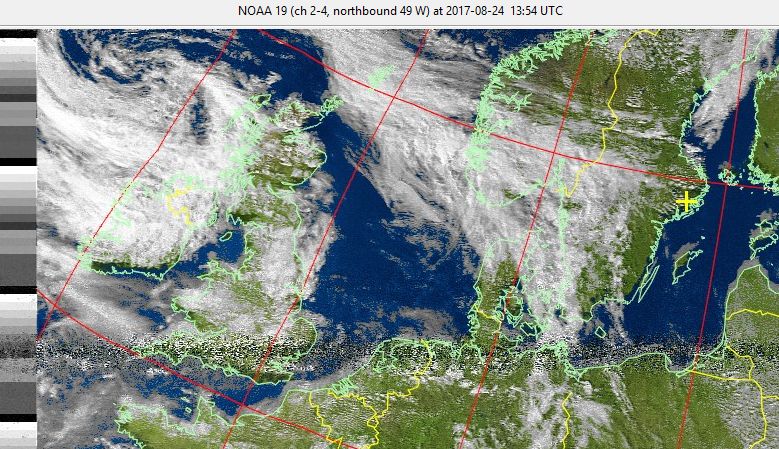
I had never tried receiving weather images from NOAA satellites on 137 MHz so of course I was forced to test this! I used the guides on RTL-SDR blog and SDR for Marines.
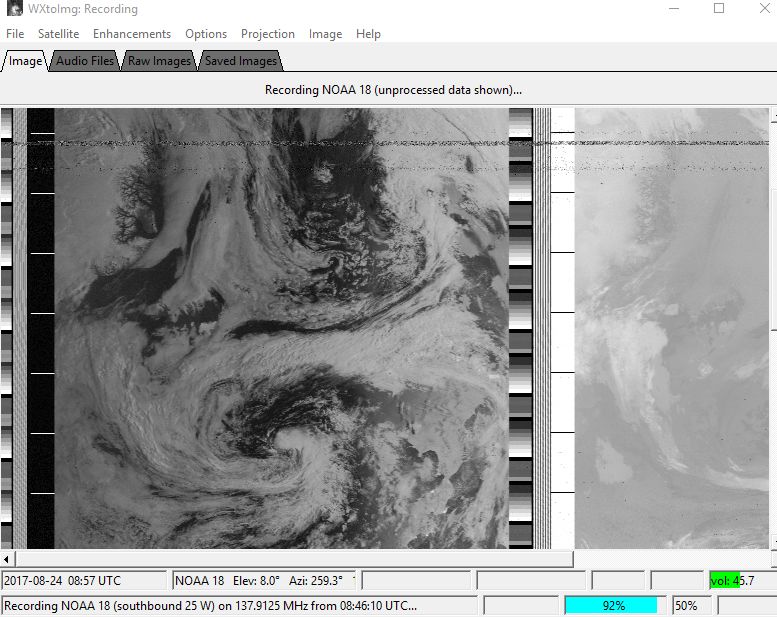
I used to very good software WXtoImg and the RX with my tracking VHF yagis for 145 MHz are perfect! Also it is possible with my Crossed Yagi for 145 MHz.
This is the WXtoImg software:
Below is a picture received with my Yagis from NOAA-18:
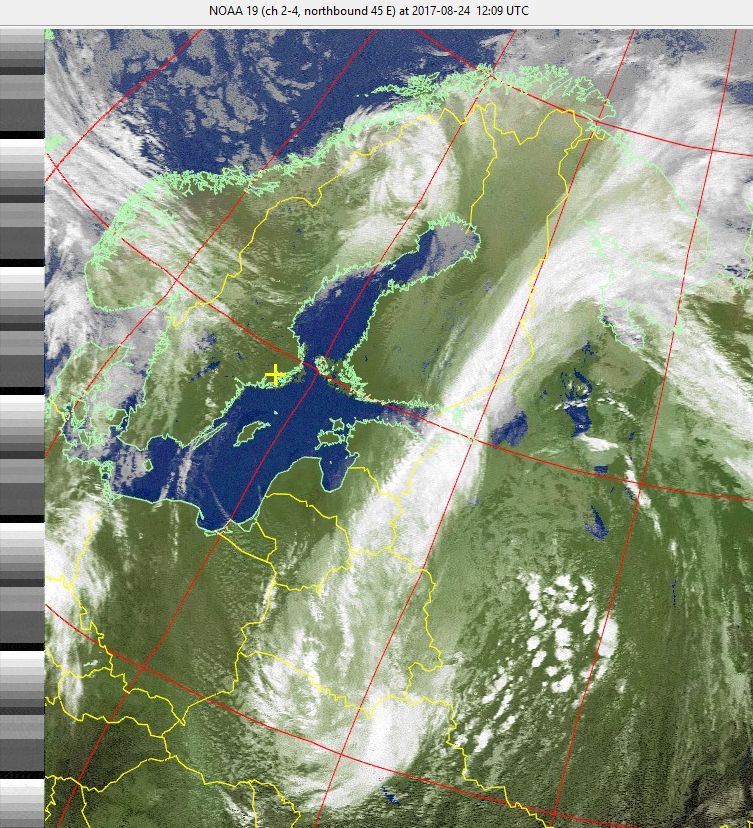
Below is a picture received with my Crossed Yagi from NOAA-19:
This page has moved to main page about my Ham Radio setup.
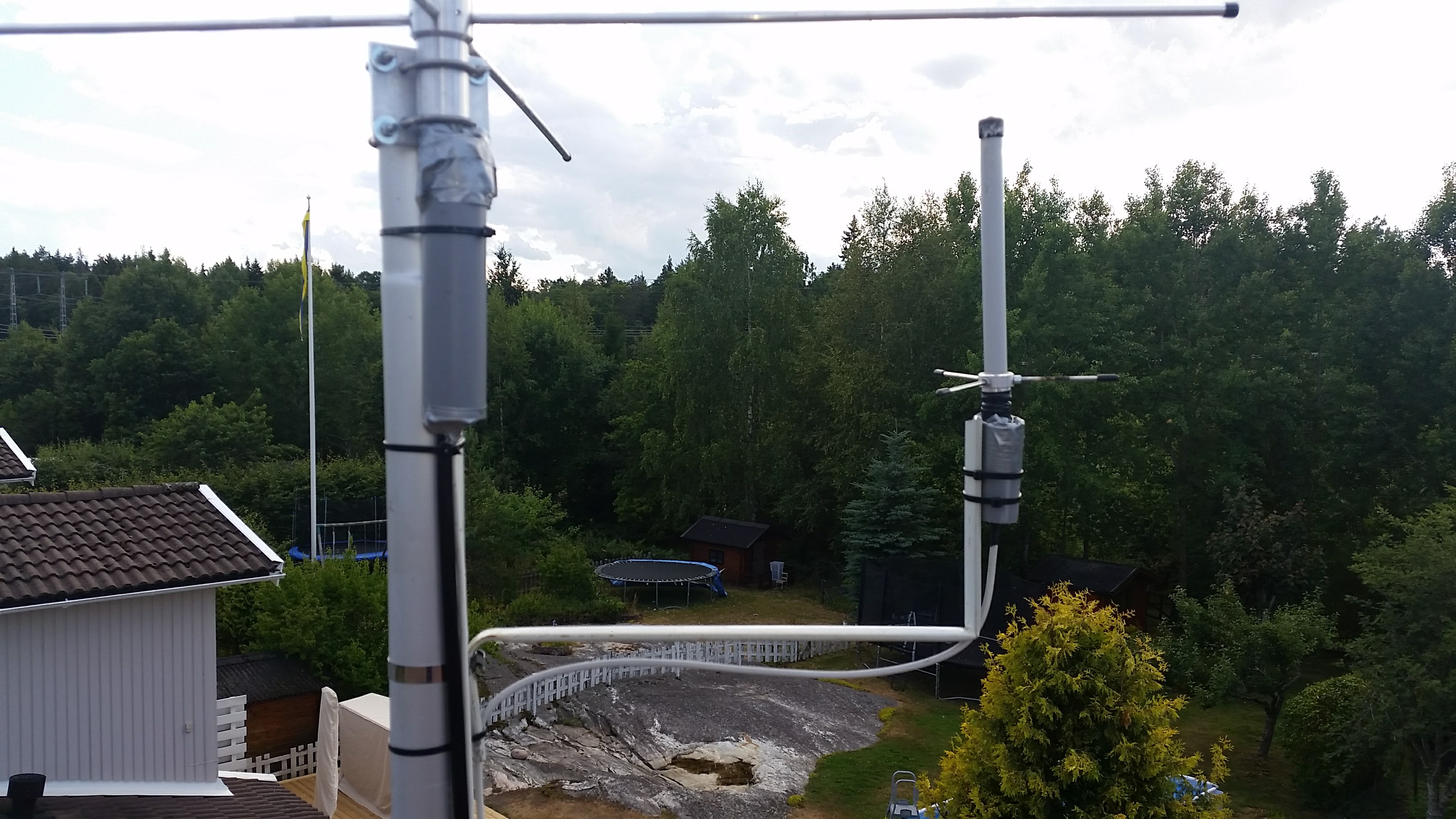
The ADSB GP is now mounted at a new side mount:
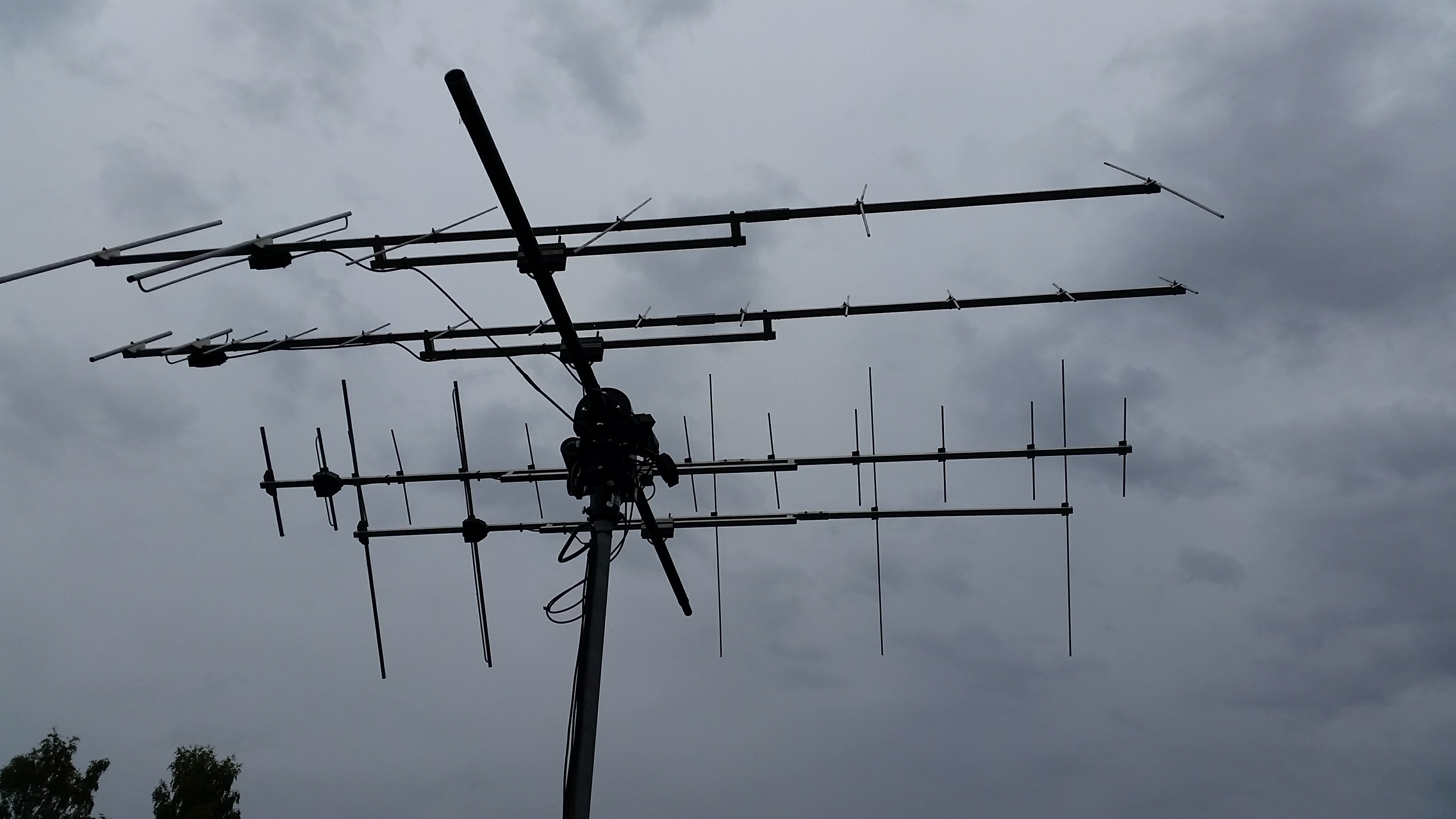
New Vårgårda VHF and UHF yagis mounted with the AlfaSpid RAS Az/El rotor. Read more.